Everyday workflow
Turn rough voice notes into useful written drafts
A voice note is easiest to use when it captures one clear thought and leaves a short review step between speaking and sending.
Speak for the next action
Before recording, decide where the text will go. Is this a reminder, an email outline, meeting follow-up, journal entry, or first paragraph? Name that destination in the opening sentence. “Draft a message to the supplier about Friday’s delivery” gives your later self more context than a minute of unlabelled thoughts.
Keep each recording to one idea
Short, focused notes are easier to transcribe, search, and edit. If the subject changes, stop and begin a new recording. A useful spoken structure is:
- Say the topic.
- State the main point in one sentence.
- Add two or three supporting details.
- Finish with the action, owner, or deadline.
You do not need to speak punctuation perfectly. A small amount of editing is often faster than trying to sound like finished prose.
Review in three passes
First: facts
Check names, dates, numbers, addresses, and technical terms against the source. These are the details where a plausible-looking error can matter most.
Second: structure
Move the action to the beginning, remove repeated phrases, and split long blocks into short paragraphs or bullets. Keep the original meaning; a transcript is allowed to become cleaner than speech.
Third: destination
Copy or share the result only after choosing the right conversation, document, or task. Optional text insertion can place completed local dictation into another app, but you remain responsible for checking the active field before insertion or sending.
Build a small library, not a dumping ground
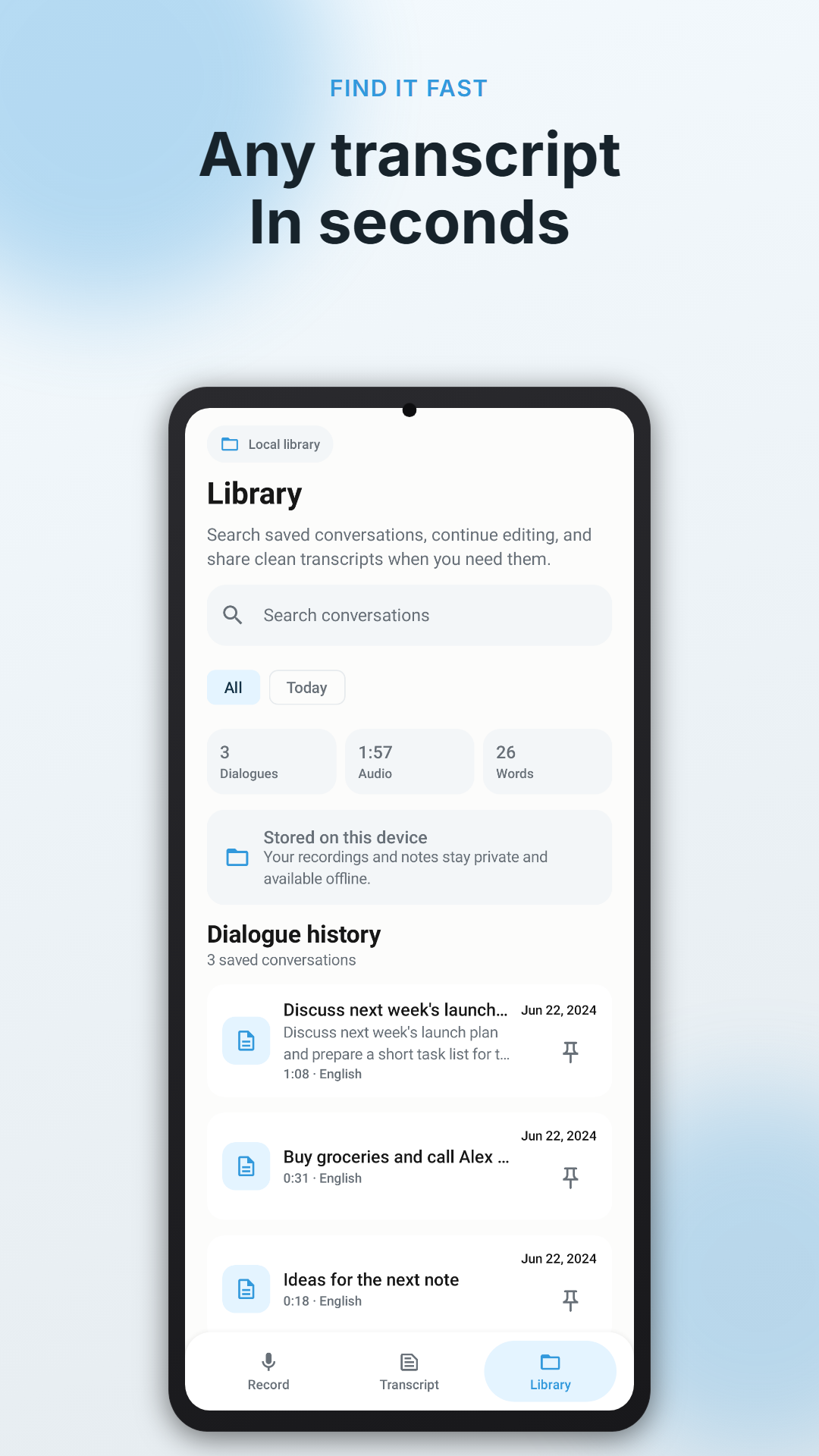
Use titles that answer “what is this for?” Pin the few notes that remain active, search by a distinctive noun, and delete temporary captures when the task is complete. Saved Voice Scribe transcripts stay on the device until you remove them, so your library benefits from the same routine as any set of local files.
When not to rely on voice notes
Do not record where consent, confidentiality, safety, or local law makes it inappropriate. Avoid handling the phone while driving. For interviews, meetings, healthcare, legal matters, or workplace conversations, obtain required permission and follow the applicable policy before recording anyone.
Catch the thought while it is fresh
Voice Scribe gives spoken ideas a searchable local home, then lets you edit, copy, or share the text when it is ready.