Private offline voice to text for Android
Say it.Keep the words.
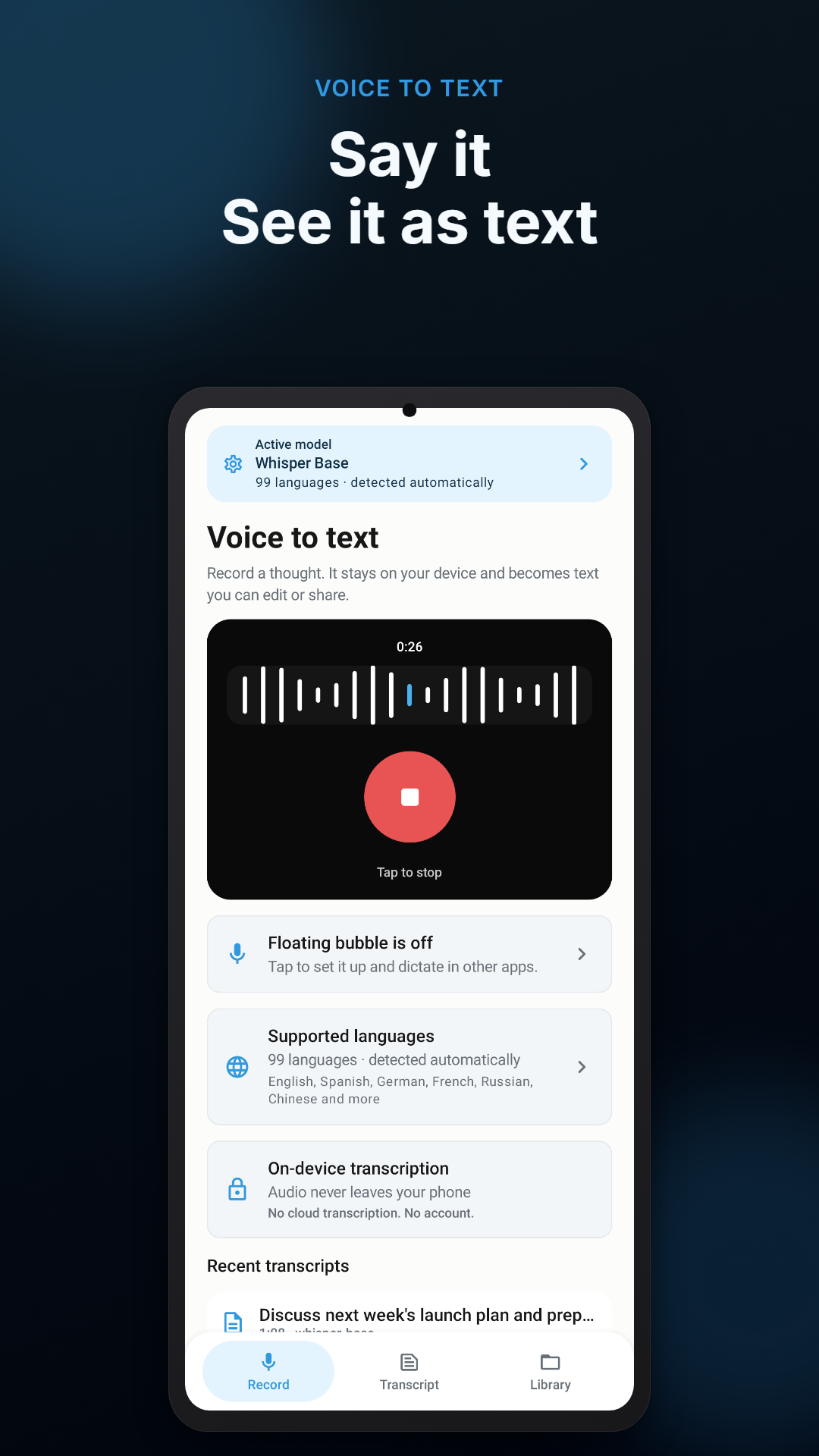
Record a thought, start voice typing from Quick Settings, or dictate into another app. Voice Scribe turns speech into editable text directly on your Android phone.
No account · No cloud transcription · Optional offline models
A shorter path from thought to text
- Tap record or start from Quick Settings
- Speak naturally
- Edit, save, copy, or share the transcript
Your voice becomes useful text before the thought gets away.
Capture a quick idea, a spoken draft, or a personal reminder. Your temporary recording is processed locally and deleted after transcription; saved transcripts stay in your local library until you remove them.
More than a recorder
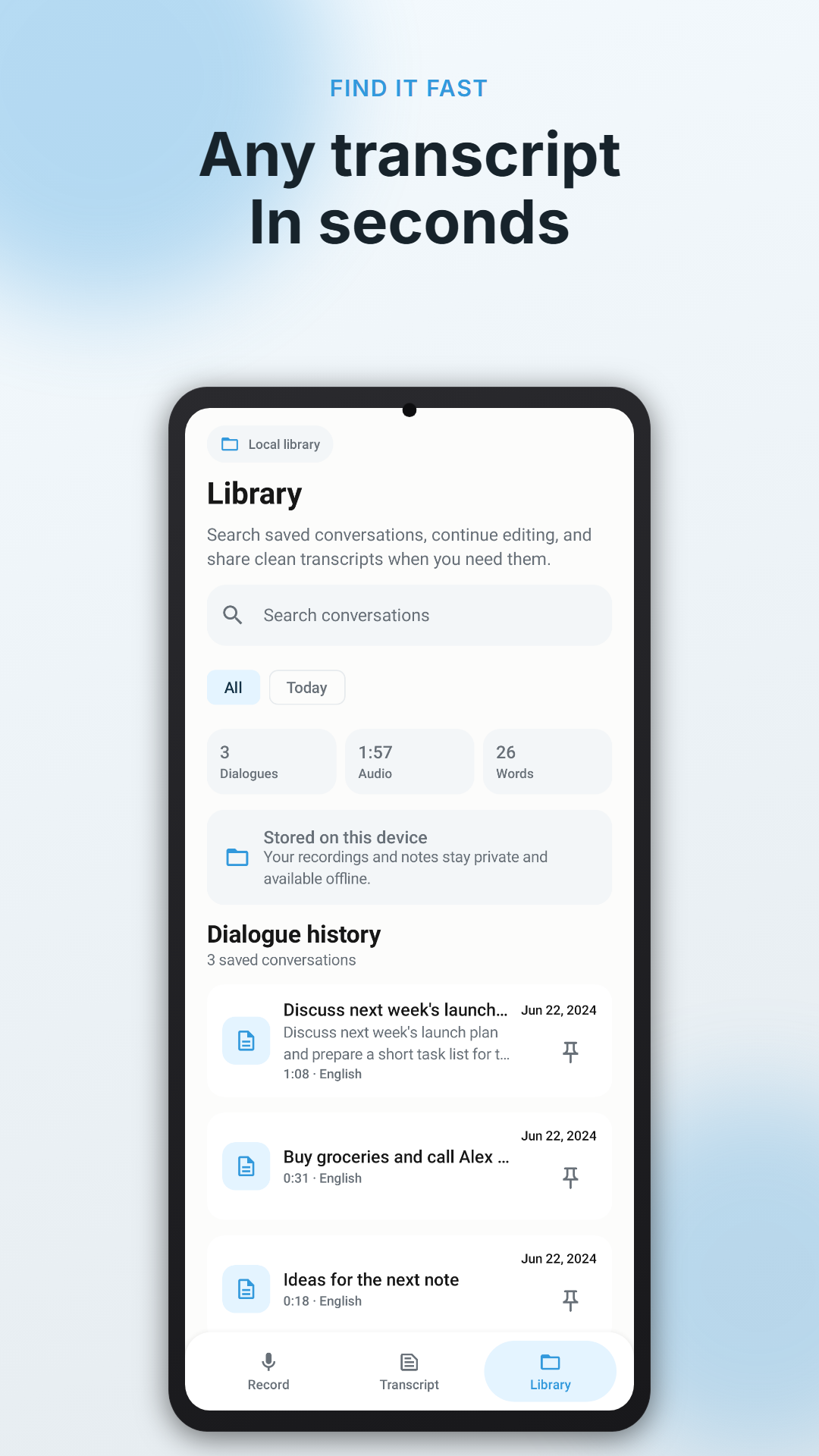
A working library for spoken ideas.
Find the sentence later, continue editing, and move the finished text where it belongs.
Keep important transcripts close and search saved conversations.
Optional text insertion can place finished dictation into chats, email, and notes. Password fields are excluded.
Start with the built-in model or download an optional model for broader multilingual accuracy.
Private by design
The transcription happens on your phone.
Voice Scribe does not send microphone audio to a cloud transcription service. Internet access is only needed when you choose to download an optional model. Technical app diagnostics may still apply as described in the app privacy policy.
- 01Microphone captures your note
- 02An on-device model transcribes it
- 03You control the saved text
Practical guides
Make voice notes work.
How offline voice-to-text works on Android
What stays local, what needs a download, and how to prepare for reliable dictation.
Everyday workflowTurn rough voice notes into useful written drafts
A simple capture, review, and export routine for ideas that arrive faster than typing.
Android speech to textPrivate speech-to-text on Android: what to look for
The practical features behind private transcription, voice typing, and editable local transcripts.
Dictation & voice typingHow to dictate texts, emails, and notes on Android
Turn a spoken draft into text you can review, copy, share, or insert into another app.
Talk now. Shape the text when you are ready.
Capture notes without creating an account and keep speech processing on your Android device.